3D motion
Change across multiple camera angles of your still images to create smooth, depth-based motion videos.
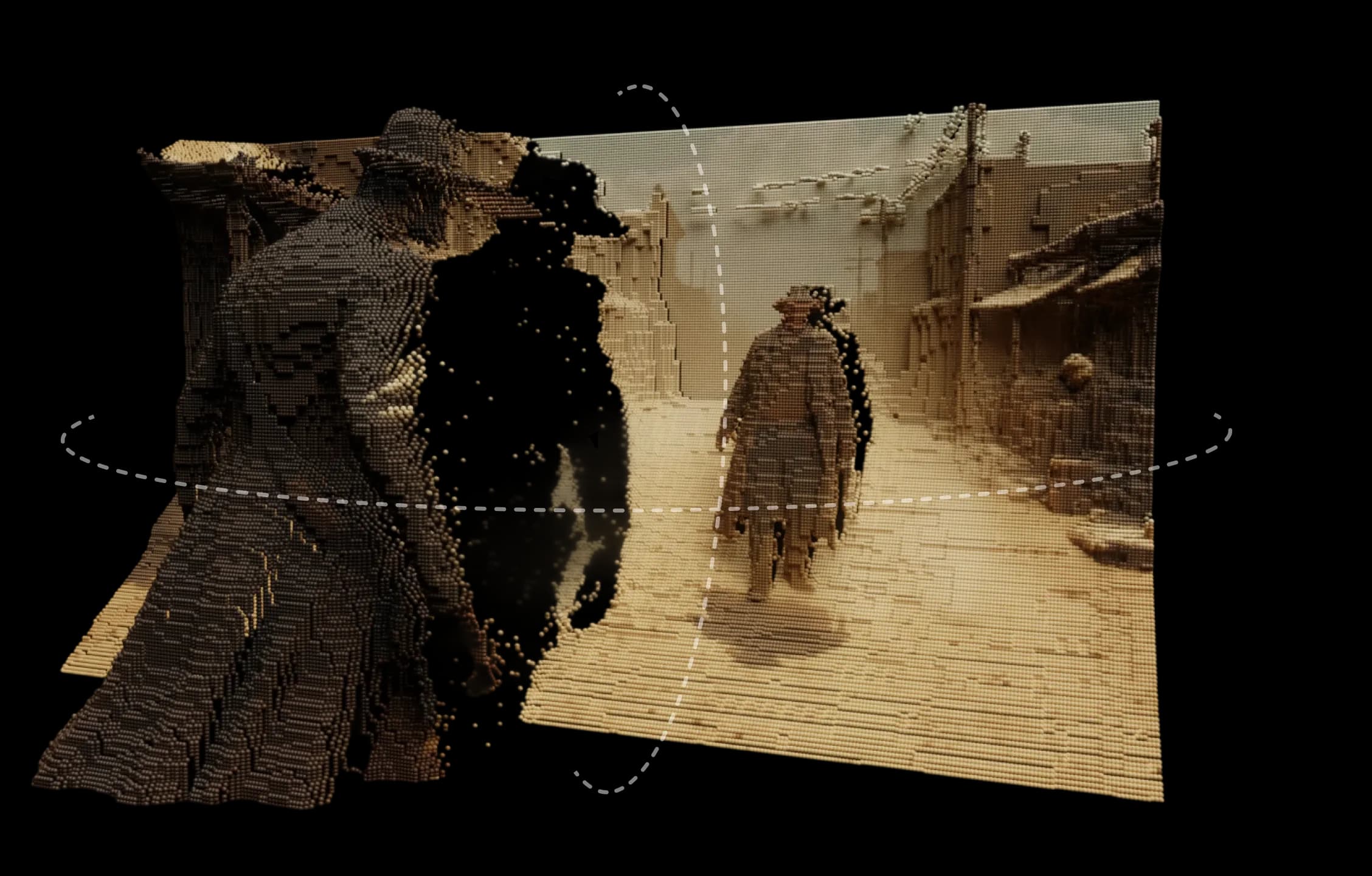
Morphic's 3D motion turns any image into a scene that feels real. It adds depth, layers, and distance so you can explore natural motion and parallax with a smooth, cinematic feel.
Built on Morphic's depth engine, it interprets your image as a 3D environment. You can design motion paths, set multiple camera angles, and preview movement in real time.
It's not a simple pan or zoom effect, it's a genuine sense of space. Surfaces separate, light shifts naturally, and every move feels purposeful.
Whether it's a painted landscape, digital illustration, or live-action frame, 3D motion brings static images to life.
I could move around my scene from different angles, and everything felt natural.
See how 3D motion works inside Morphic.
Videos from creators turning still images into 3D videos.
At Morphic, we design tools that extend creative intuition. 3D motion continues that idea, giving form and depth to imagination, without complexity or excess. Try now