Seedance 2.5 vs Kling for microdrama dialogue scenes
Updated October 2026
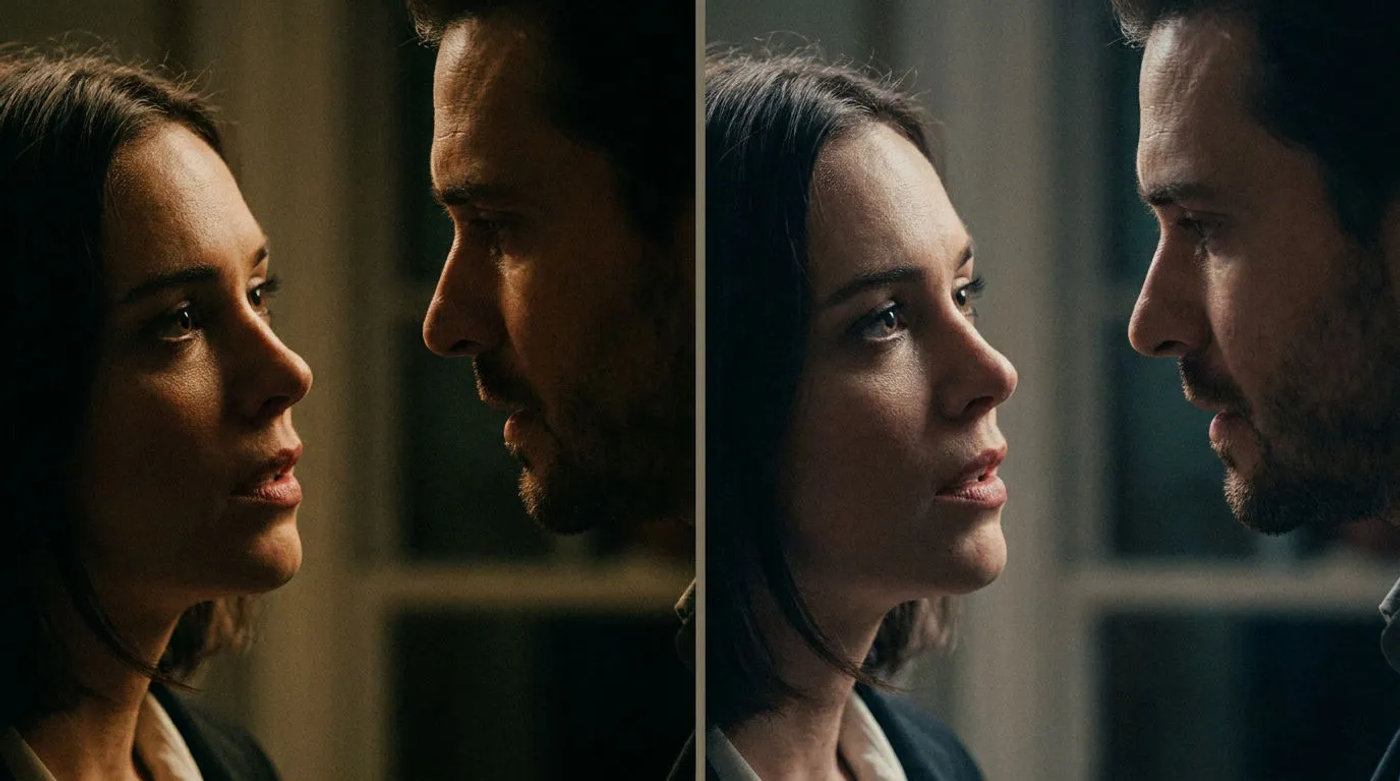
For microdrama dialogue, the two models solve the problem from different ends. Seedance 2.5 generates a shot with native audio in one pass and takes many references, with a cheap draft you can promote to a full-resolution final, so it suits originating a dialogue scene from a script and iterating on it. Kling brings a dedicated lip-sync model that re-voices a face in an existing clip and strong motion, so it suits matching an on-screen mouth to a specific audio track you already have. Neither is simply better; the right one depends on whether you are generating the dialogue or syncing a face to it, and in practice a season uses both, shot by shot.
Seedance 2.5 vs Kling for dialogue at a glance
| Seedance 2.5 | Kling | In MorphicOur pick | |
|---|---|---|---|
| Core strength for dialogue | Generate a shot with native audio | Lip sync a face to new audio | Both, routed per shot |
| Native audio | Returns clips with an audio track | Lip sync re-voices the main face | Mute or keep audio per clip |
| Lip sync | Audio comes with the generation | Dedicated lip-sync model, 2 to 60s | Run lip sync as a separate step |
| Character references | Up to 50 references per task | Character references supported | Saved reference sheets feed either model |
| Clip length | 4 to 30s output and editable clips | Lip sync on 2 to 60s clips | Cut to length on the timeline |
| Draft then final | 480p draft, promote keeper to 1080p | No draft-then-final tier | Draft cheap, render only keepers |
| Edit and extend | Edit or extend a clip by instruction | Motion and re-voicing | Both reachable from the prompt bar |
| Motion | Motion from prompt and references | Strong motion, motion control | Pick per shot |
| Best for | Originating a dialogue scene from a script | Syncing a face to a specific track | Mixing both across a season |
Or use both: route per shot in one workspace
Seedance 2.5 and Kling are usually framed as a pick-one decision. For a microdrama they are not, because the two are strongest at different jobs and a season needs both, originating dialogue with native audio on some shots and syncing a face to a track on others.
Morphic puts both in one browser workspace, so the choice becomes routing rather than committing. Generate a dialogue shot with native audio on one model, run lip sync on another when you already have the audio, and reach edit, extend and draft-then-final from the same prompt bar. Saved character and location reference sheets feed whichever model runs the shot, which is what actually holds a recurring cast across episodes. Compose, a real multi-track timeline in the same tab, cuts the clips to the beat, grades them and lays in music and effects. Character drift still needs a quality-control eye and non-English dialogue is worth testing on a scene first, but for building a full season you are not choosing a single model, you are picking the right one shot by shot.


Placed five shots on the timeline, in order, with their audio linked. Want me to change the cut?
How they compare, in detail
Native audio vs lip sync
Seedance 2.5 returns a shot with native audio; Kling re-voices a face in an existing clip. They answer different needs.
lets you generate a shot with native audio on one model and run lip sync as a separate step on another, in the same workspace.
Character consistency
Both take character references; Seedance 2.5 accepts a larger, mixed set per task, which helps hold a recurring face.
passes a saved character reference sheet into either model, which is how recurring characters stay consistent regardless of the generator.
Clip length and pacing
Seedance 2.5 outputs and edits clips from 4 to 30s; Kling lip sync works on clips from 2 to 60s. Both suit short dialogue beats.
cuts generated clips to the beat on the Compose timeline, so the model's native length is a starting point, not the final cut.
Draft then final
Seedance 2.5 has a cheap 480p draft you promote to a 1080p final; this is its advantage for iterating on dialogue.
drafts a Seedance 2.5 shot at 480p and promotes only the keeper to a 1080p final, so iterating on a dialogue beat stays cheap.
Motion and camera
Kling is known for strong motion and a motion-control variant; Seedance drives motion from the prompt and references.
routes the shot to whichever model gives the motion you want and assembles the result alongside the others on one timeline.
Edit and extend
Seedance 2.5 can edit a clip by instruction or extend it past its last frame; useful when a dialogue take is nearly right.
reaches reference-to-video edit and extend from the same prompt bar, so a shot that is almost right gets fixed without starting over.
Which model for which shot?
The choice is per shot, not per project. Use this to route a dialogue scene.
| If you need | Pick | Why |
|---|---|---|
| Originate a dialogue shot with native audio | Seedance 2.5 | It returns a clip with an audio track in the same generation. |
| Sync a face to a dub or a recorded line | Kling | Its lip-sync model re-voices the main face in an existing clip. |
| Iterate cheaply before rendering full resolution | Seedance 2.5 | A 480p draft promotes only the keeper to a 1080p final. |
| A shot that leans on a specific camera move | Kling | Strong motion and a motion-control variant for directing movement. |
| Both, across a whole season | Morphic | Both models live in one workspace, so you route per shot and cut on one timeline. |
What creators say about Morphic

This is a 100% AI-made film. But so well done!
This is how AI filmmaking should be done.
Very realistic and professionally written and directed by the @morphic team on their platform and without using Seedance 2.0

Morphic has been my first choice for image generation for more than 9 months now.
But it's also a great all-in-one platform that can fully support your entire creative workflow.
Highly recommend trying Morphic.

On Morphic Canvas, you can easily group and sort your files, making it a breeze to pick what you need or just grab everything at once. @morphic
Current obsession: GPT Image 2 on Morphic.
Simple pricing
Get started for free today, with the option to upgrade or cancel anytime.
Basic
2400 monthly credits
1 user only
All models
Workflows
Standard
3625 monthly credits
1 user only
All models
Workflows
Pro
6350 shared monthly credits
1 user
All models
Workflows
Max
24650 shared monthly credits
1 user
All models
Workflows
Enterprise
For higher limits
Custom
pricing and billing terms

Free
For playing around
$0
forever free