Car music
Create nowA steady groove, a deep bassline and a hook built for the open road. Describe the driving mood your scene needs and Morphic generates the full instrumental track, ready to download.
car music tracks to play and generate
Highway drive
A big, propulsive beat with a sub-heavy bassline, built for speed on the open road or a motion montage.

Deep, rattling low end and a slow trap groove, the sound for a sound-system demo or a confident night drive.
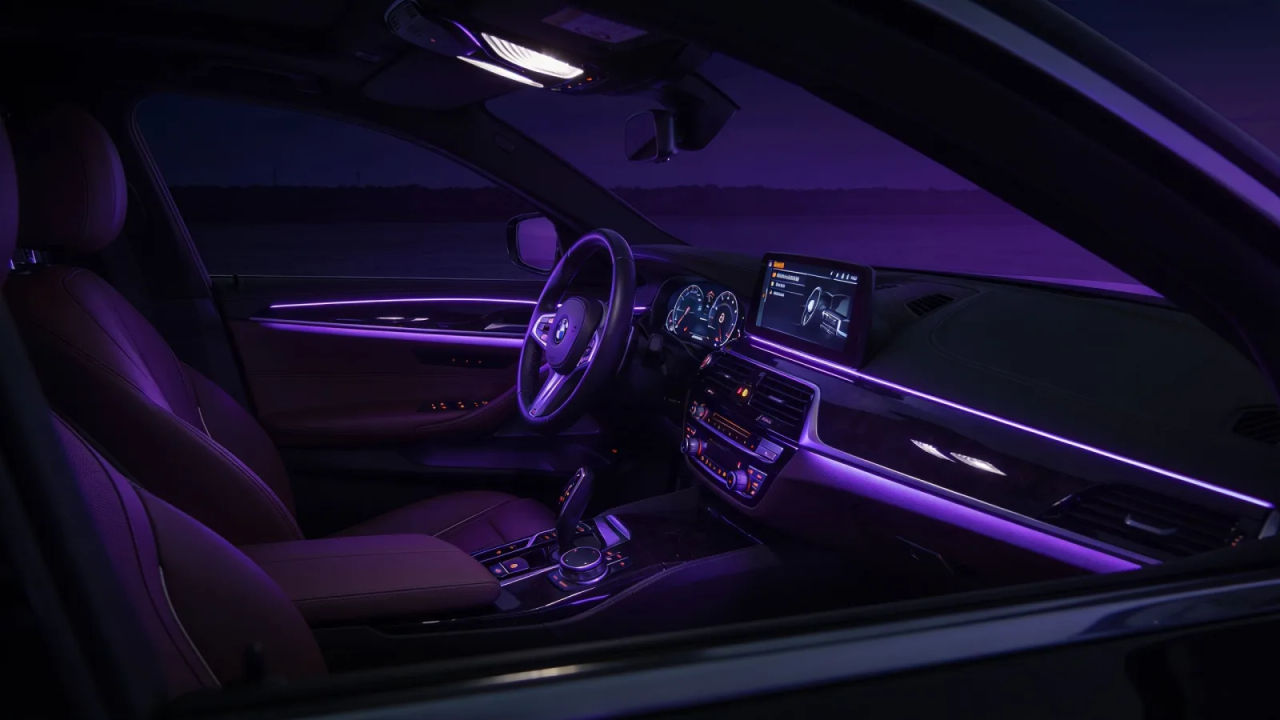
Road trip
Bright, easy-going guitar-pop with a sunny feel, perfect for a long daytime drive or a travel clip.

Night cruise
Smooth, laid-back lo-fi with a soft beat and mellow keys, a relaxed bed for a slow evening drive.

Design your car music track
Mix and match the traits below. Your prompt builds as you go.
A medium-tempo, uplifting, driving car music track
GenerateScore a driving or automotive video
Drop a propulsive beat under a drive sequence and the motion gains momentum instantly. Describe the pace and the low end, and Morphic builds a full instrumental cut to length.

Set the mood for a road trip or a night cruise
From sunny guitar-pop for a daytime drive to mellow lo-fi for a slow night cruise, a car track gives the journey its pace in a few bars.

Direct the driving sound in plain English
Name the groove, the tempo and the weight of the bass, and re-voice the same cue from bass-heavy trap to easy road-trip pop by editing the prompt.
Build a whole drive playlist
Generate a matching set of car cues, highway, bass, road trip, cruise, and keep them consistent across the start, the open road and the way home, all from one workspace.

You might also like
Lofi music
Generate lofi music with AI on Morphic. Describe the mood, tempo and instruments, then download your track as MP3 or WAV.
Trap music
Generate trap music with AI on Morphic. Describe the mood, tempo and instruments, then download your track as MP3 or WAV.
EDM music
Generate edm music with AI on Morphic. Describe the mood, tempo and instruments, then download your track as MP3 or WAV.
Road trip music
Generate road trip music with AI on Morphic. Describe the mood, tempo and instruments, then download your track as MP3 or WAV.
Simple pricing
Get started for free today, with the option to upgrade or cancel anytime.
Basic
2400 monthly credits
1 user only
All models
Workflows
Standard
3625 monthly credits
1 user only
All models
Workflows
Pro
6350 shared monthly credits
1 user
All models
Workflows
Max
24650 shared monthly credits
1 user
All models
Workflows
Enterprise
For higher limits
Custom
pricing and billing terms

Free
For playing around
$0
forever free