Drums music
Create nowPercussion front and center, from a tight kit groove to a wall of ensemble toms. Describe the drum sound your scene needs and Morphic generates the full instrumental track, ready to download.
drums music tracks to play and generate
Tribal ensemble
A powerful wall of hand drums and toms for a ritual, a battle scene or a big dramatic build.

Marching cadence
A crisp snare-and-bass-drum march for a parade, a sports hype moment or a disciplined build.

A tight, syncopated drum-kit groove with ghost notes, for a confident, fun scene or a rhythm bed.

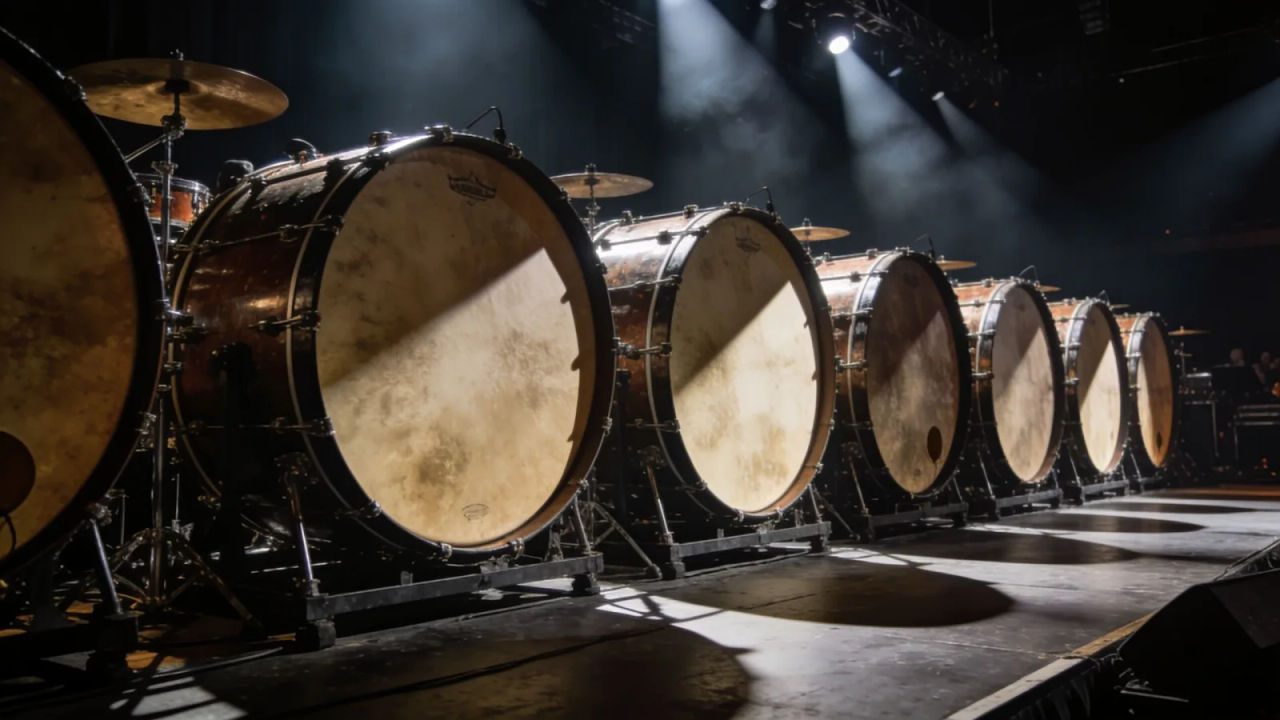
Huge booming ensemble drums for an epic trailer hit, a reveal or a climactic action beat.
Design your drums music track
Mix and match the traits below. Your prompt builds as you go.
A medium-tempo, uplifting, driving drums music track
GenerateScore a rhythm-driven scene
Put a powerful percussion bed under a build and the energy comes entirely from the drums. Describe the kit and the tempo, and Morphic builds a full instrumental cut to length.

Set the mood for a trailer, a parade or a workout
From a crisp marching cadence for a parade to a wall of taiko for a trailer hit, a drums-led track drives the scene on rhythm alone.

Direct the drum sound in plain English
Name the kit, the tempo and the feel, and re-voice the same groove as a funky kit or a tribal ensemble by editing the prompt.

Build a whole percussion set
Generate a matching set of drum beds, tribal, marching, funky kit, taiko, and keep them consistent across the setup, the build and the hit, all from one workspace.

You might also like
Percussion music
Generate percussion music with AI on Morphic. Describe the mood, tempo and instruments, then download your track as MP3 or WAV.
Epic music
Generate epic music with AI on Morphic. Describe the mood, tempo and instruments, then download your track as MP3 or WAV.
Sad piano music
Generate sad piano music with AI on Morphic. Describe the mood, tempo and instruments, then download your track as MP3 or WAV.
Sitar music
Generate sitar music with AI on Morphic. Describe the mood, tempo and instruments, then download your track as MP3 or WAV.
Simple pricing
Get started for free today, with the option to upgrade or cancel anytime.
Basic
2400 monthly credits
1 user only
All models
Workflows
Standard
3625 monthly credits
1 user only
All models
Workflows
Pro
6350 shared monthly credits
1 user
All models
Workflows
Max
24650 shared monthly credits
1 user
All models
Workflows
Enterprise
For higher limits
Custom
pricing and billing terms

Free
For playing around
$0
forever free