Clone a voice on Enterprise in three steps
- 01
Connect ElevenLabs
An admin links your organization's ElevenLabs account to Morphic.
- 02
Add a voice you own
Provide a voice you own or have permission to use, and confirm speaker consent.
- 03
Type a script and generate
Write the lines and the voice reads them, ready to download. On self-serve plans, re-voice a recording with the voice changer instead.
One voice, every script
Show intro
One consistent voice
Ad spot
One consistent voice
Audiobook page
One consistent voice
Tutorial step
One consistent voice
News update
One consistent voice
Warm sign-off
One consistent voice
Use cases
Narrate at scale in one voice
Keep one narrator across every episode, chapter, or update: a cloned voice on Enterprise, or a saved library voice on any plan. New scripts become finished reads without another session in the booth.

Re-voice a recording
Hand the voice changer a recording and it re-speaks it in a different library voice, keeping your timing and delivery. On every plan, no cloning required.
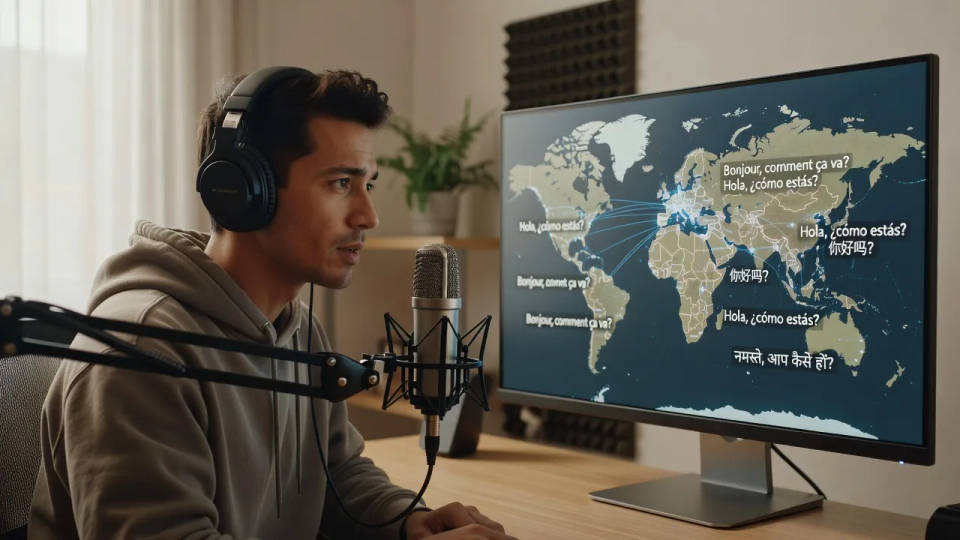
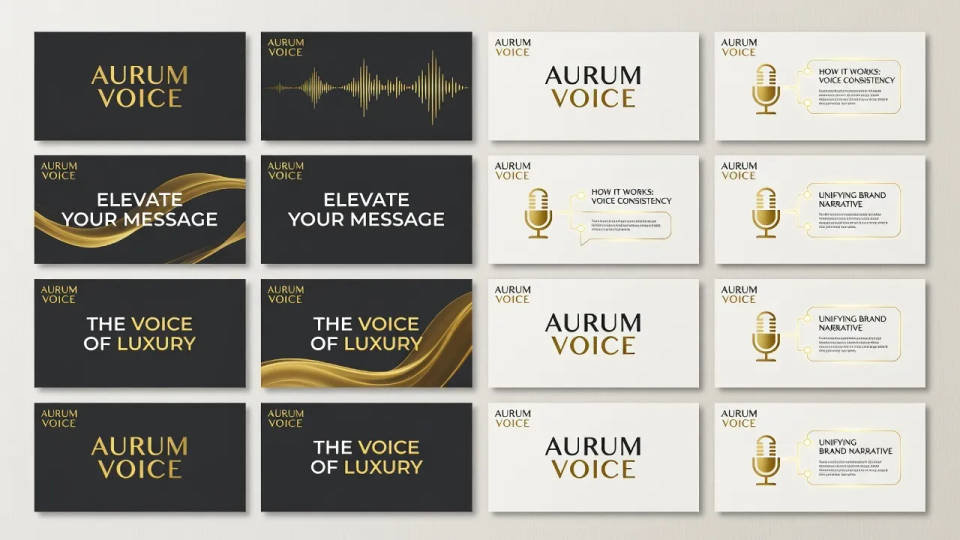
Build a consistent brand voice
Lock one signature voice for a brand and use it on every ad, explainer, and IVR line. A run of assets sounds like it came from the same place.
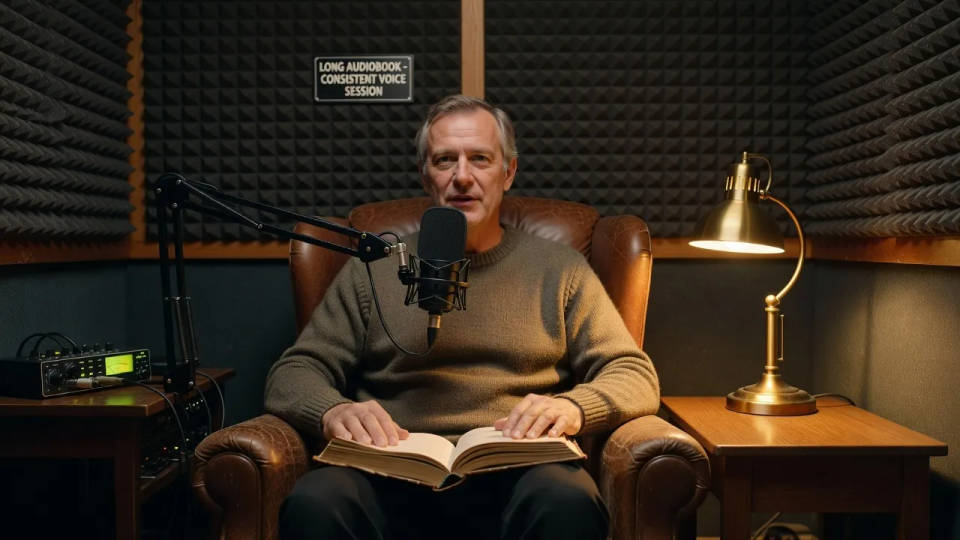
Keep a voice for long-form work
Hold one voice across a full audiobook or course so it keeps the same character from the first chapter to the last.
Time-freeze effect
Cinematic time-freeze short film for any scene

Cinematic storyboard
Share a scene description with character references. Get a full storyboard with shot angles and mood.
Dance your character
Upload a character image and make it dance in any style.

Messages to cinematic scene
Dramatize any text conversation into a cinematic multi-shot video.
Put yourself in a movie
Drop in a photo of yourself. Get a 12-second cinematic movie with animation and a matched soundtrack.

Title sequence
Generate a professional film title card from scratch, with optional cinematic animation.
All on Morphic
Voice cloning on Enterprise, voice work on every planCloning on Enterprise
Connect your ElevenLabs account, clone a voice you own with permission, and generate speech in it from text.
Voice changer on every plan
Re-voice any recording into a library voice while keeping its timing and delivery. No cloning needed.
Voices and audio
Generate voiceovers from text, add music and sound effects, and shape the whole track in one session.
Workflows
Save a voice setup as a Workflow and rerun it for the next script, so everything you publish keeps one voice.
