Canvas
An infinite visual workspace. Generate, compare and explore every option side by side, not in a scrolling chat.
Aether · SS26
MT
LayersChatsAssets
Hero · StudioSlate, studioCoralOn footSageMacro
On locationDetailSwatchesCoral
Hero · Studio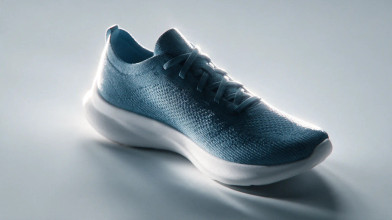


 T
T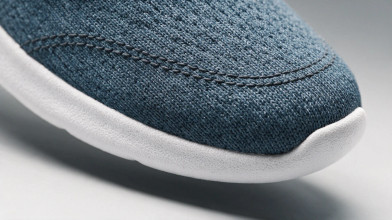
On location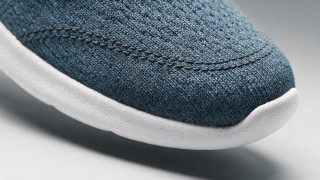
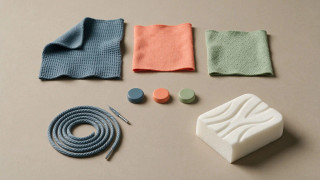
 Generating
Generating Slate
Slate Coral
CoralThe Aether runner, slate colourway, three-quarter hero on seamless grey
Image9:16 · 4x
DetailsComments
ToolsCreate videoCreate sectionCreate referenceRelightCamera angleResize
Properties- Type
- Video
- Aspect ratio
- 9:16
- Section
- Hero
- Created by
- Maya
What you do on the CanvasGenerate, explore, and shape every option
Colourway · Aether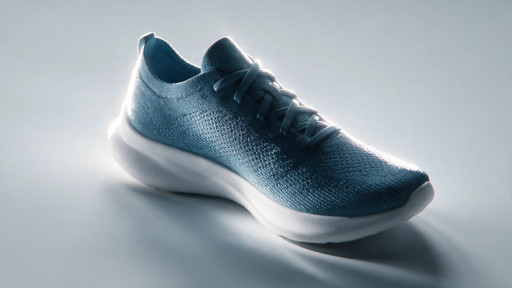

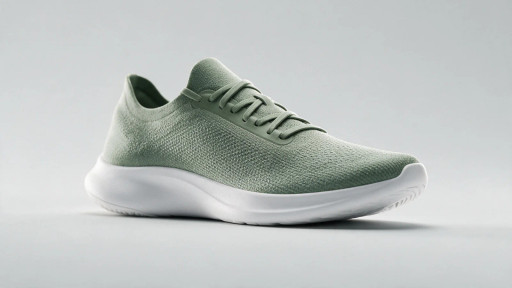

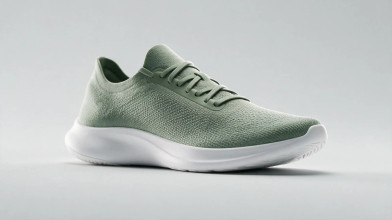
Four colourways of the runner
Generate every option side by side
Fire a batch and the takes land across an infinite board as one named Section, so you compare a whole scene at a glance and keep the set together, not a chat you scroll back through to find take three.

Edit any shot in place
Isolate an element with Layers and Smart Select, then inpaint, outpaint, relight or re-angle it right on the board, so you fix the one thing that is wrong instead of re-rolling the whole frame and losing the take you liked.
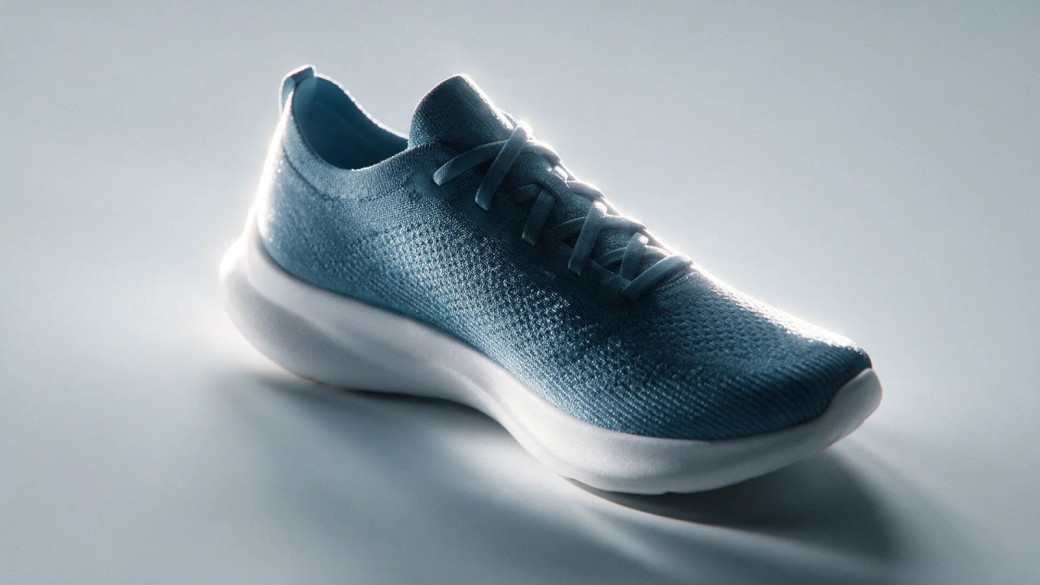
LayersUpperMidsoleShadow
Smart SelectRecolour the upper to coral, keep the midsole
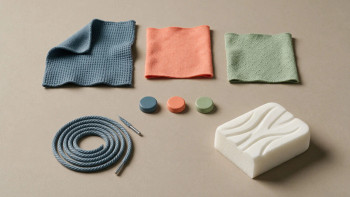
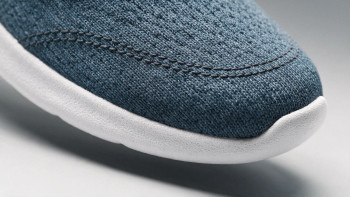
Lay out the hero shot
Keep the script on the board
Write your shot list in a Document beside the shots it describes, or drop in the brief you already have, and storyboard a scene in place, so the plan and the footage live together instead of in a doc nobody opens.
Work on one Canvas together, live
Your team opens the same board at once, each with a named cursor, and you can follow anyone as they work, so a review happens in the file instead of over a pile of exported files and screenshots.
MayaTheoFollowing Maya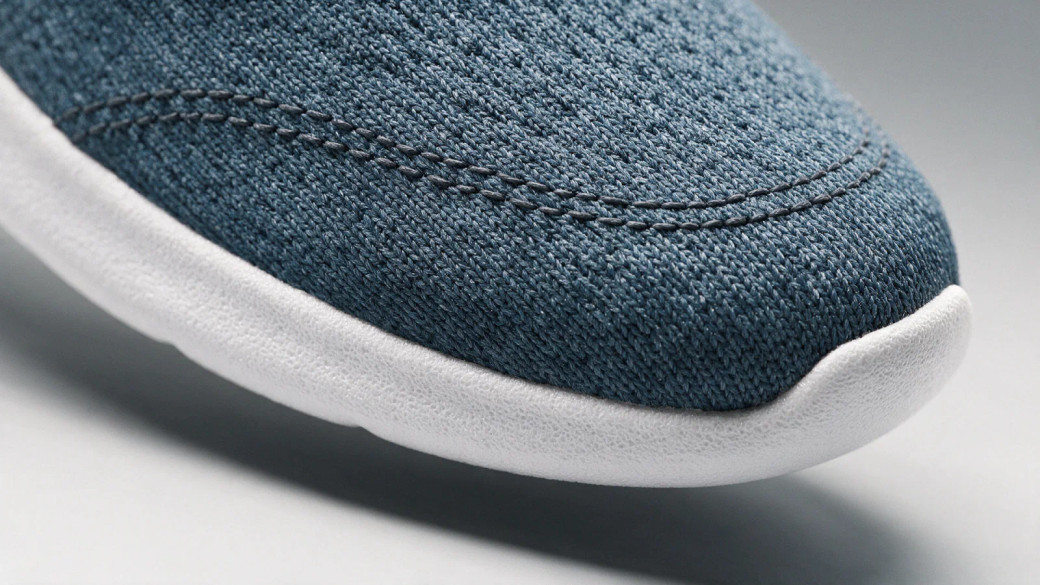 T
TWarmer on the midsole, @Maya
Review right on the frame
Pin a note to the exact region that needs work and @mention who should fix it, so feedback lands on the shot itself and nothing gets lost in a separate thread.
Send the set straight to Compose
When the board holds the shots you want, send them onto a Compose timeline in one move, so you cross from exploring options to cutting the edit without exporting and re-importing a thing.






FAQs
What is the Canvas in Morphic?
The Canvas is a free-flowing, infinite visual workspace where you generate, compare and explore images and clips side by side, instead of reading a scrolling chat. You can also inpaint, outpaint and draw on it, and write shared Documents next to the shots they describe.
What is the difference between the Canvas and Compose?
The Canvas is where you generate and explore options; Compose is the editor where you cut and arrange them into a finished video. Generating a set of shots happens on the Canvas, and assembling them on a timeline happens in Compose.
Can my team work on the same Canvas at once?
Yes, on the Pro plan and above. Teammates open the same Canvas and work on it live, each with a named cursor, so a review or a working session happens in one place rather than over exported files.
What are Sections on the Canvas?
Sections are named containers that group assets and move together as one. Copilot can drop its results into a named section on request, which is what keeps a Canvas readable across a long project.
Can I write a script or shot list on the Canvas?
Yes. A Document on the Canvas is a page of text that sits next to the images and clips. Everyone in the file edits it at once, and opening it docks Copilot beside it so you can rewrite a section or turn an outline into a shot list in place.
Can I edit an image on the Canvas?
Yes. Inpaint repaints a region, outpaint extends the frame, relight changes the lighting, a camera-angle pass re-frames it, and Layers with Smart Select isolate an element so you can edit or erase it cleanly.
Do edits on the Canvas cost credits?
Generating new media costs credits at each model’s usual rate. Blocking a shot in 3D Scene is the exception: scene edits cost no credits, and only the final generation does.
Does the Canvas replace a video editor?
No. For cutting, grading and arranging a video on a timeline, use Compose. The Canvas is for generating and exploring the material that Compose then assembles.
Open an infinite Canvas
Generate, compare and explore your first set of options side by side.