ChatGPT Images 2.5
by OpenAI
OpenAI's image model, released September 2026.
Sharper detail, precise edits, faster.
Key features
Technical specifications
Sep 8, 2026
Rolling out to all ChatGPT, ChatGPT Work and Codex tiers on desktop, mobile and web.
Two
GPT-Image-2.5 Flare is fast; Sunburst adds precision across edits.
Up to 4K
Maximum edge 3840px, aspect ratios from 1:3 to 3:1, custom sizes in multiples of 16px.
Five
low, medium, high, xhigh and max, plus auto. The last two are new in 2.5.
Use cases
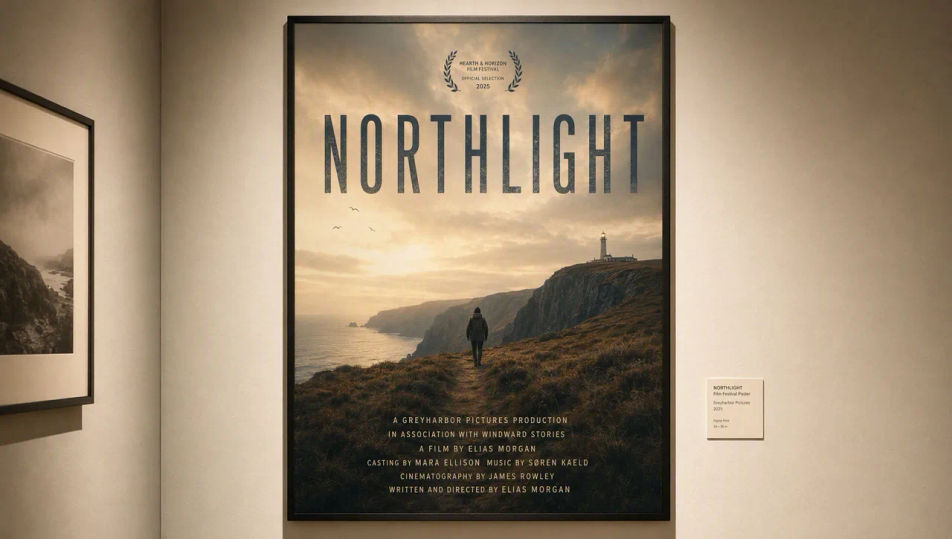
Posters and packaging
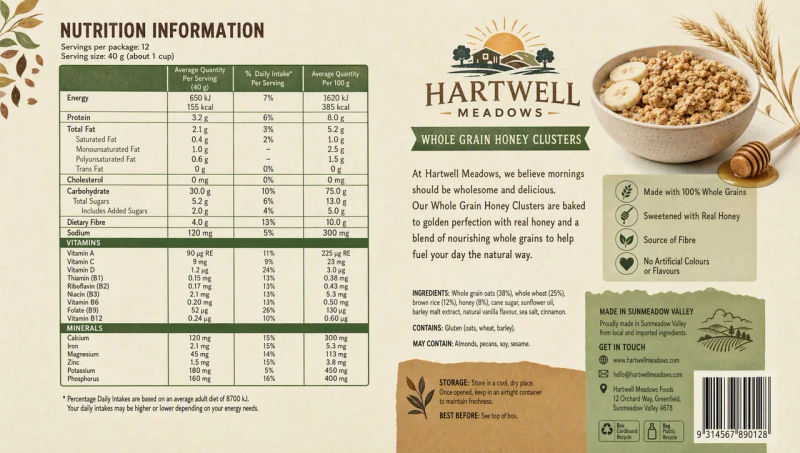
Layouts where the headline and the small print both have to read. Quote the copy and compare high against xhigh.
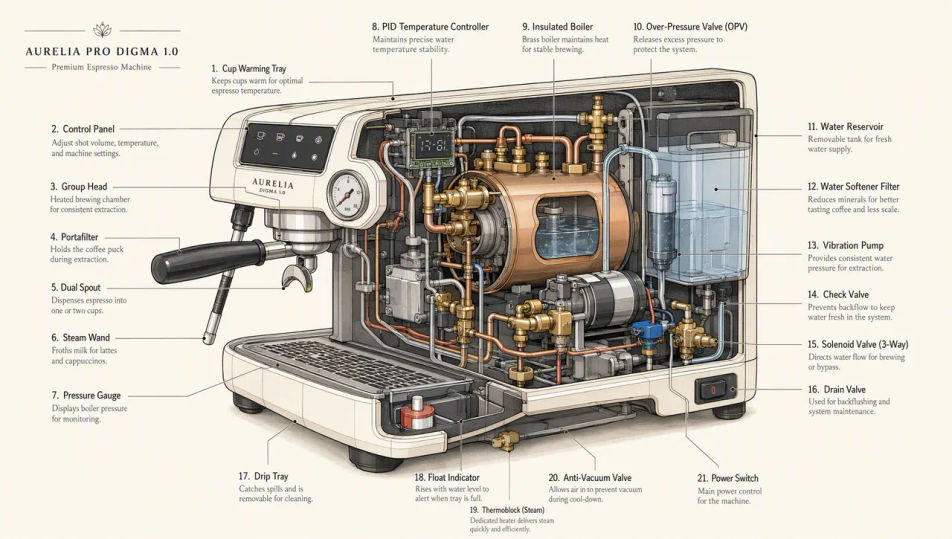
Infographics and diagrams
OpenAI names infographic accuracy and layout as a specific gain in 2.5. Check the labels, not just the look.
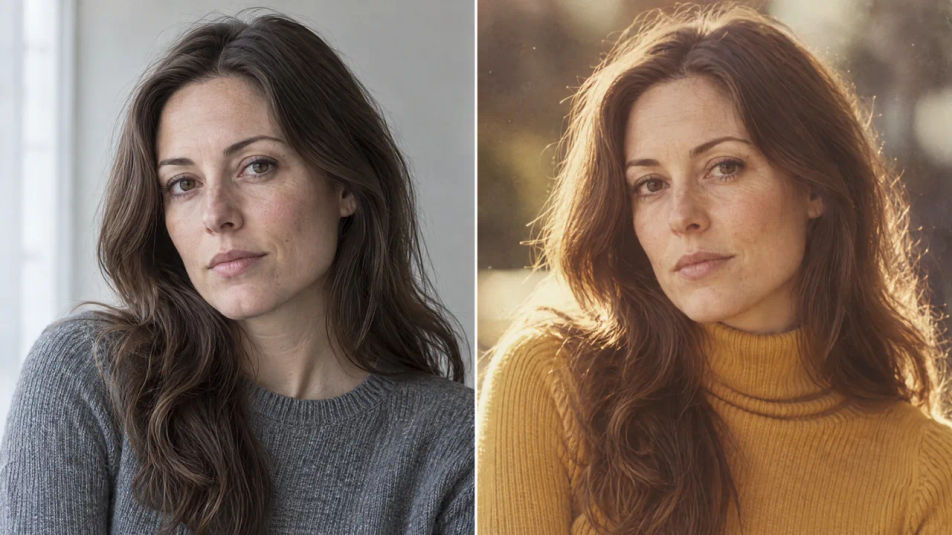
Portraits from a photo
Carry a face into a new era, wardrobe or style. Identity, pose and expression hold; only what you named changes.
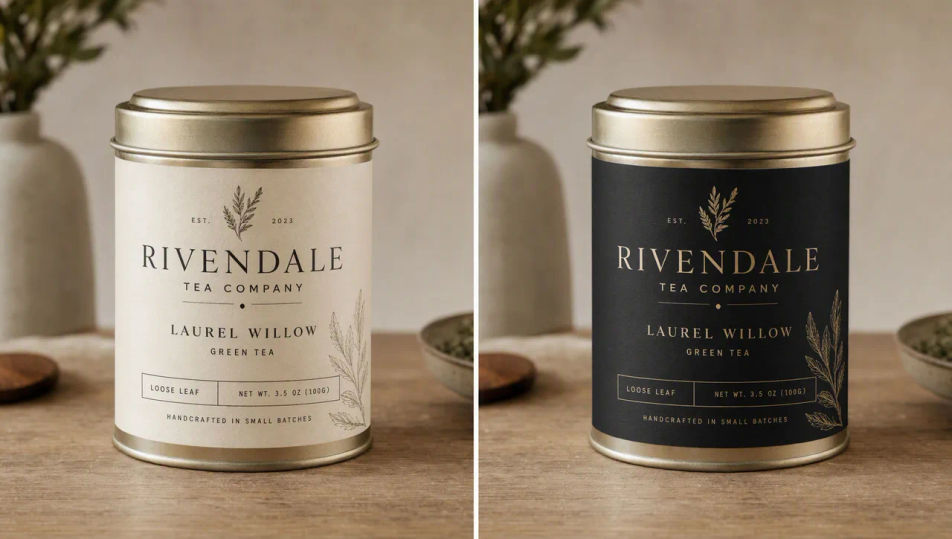
Iterative product edits
Change the label and the bottle, lighting and framing survive. GPT-Image-2.5 Sunburst is built for this.
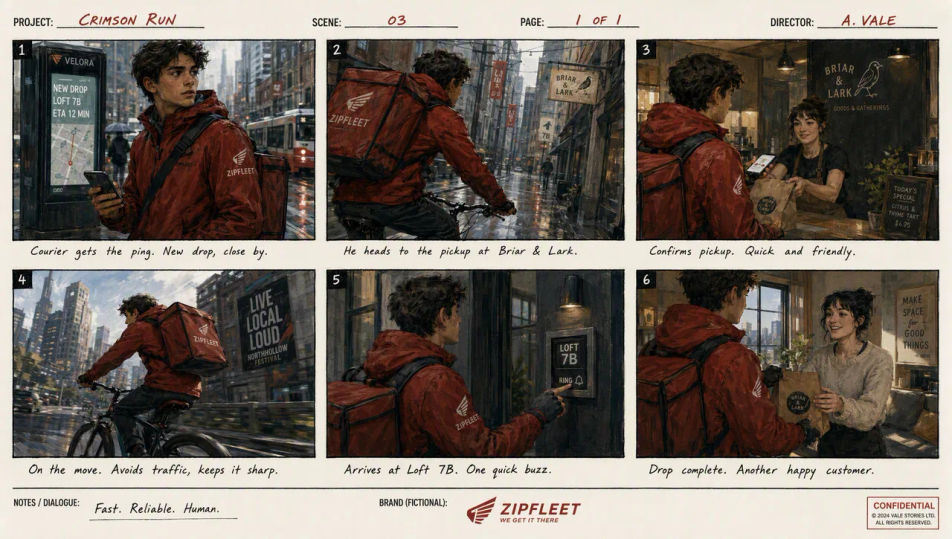
Storyboards and sequences
Build a character reference image first, then repeat its defining details in every new scene.
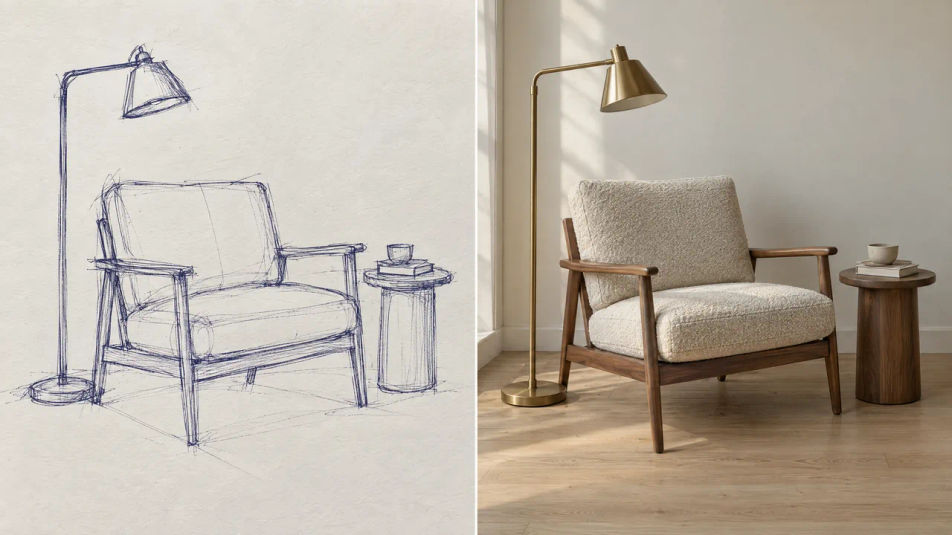
Sketch to finished image
Draw the layout, then let the render fill it in. State that the perspective holds and nothing new is added.
Prompt examples
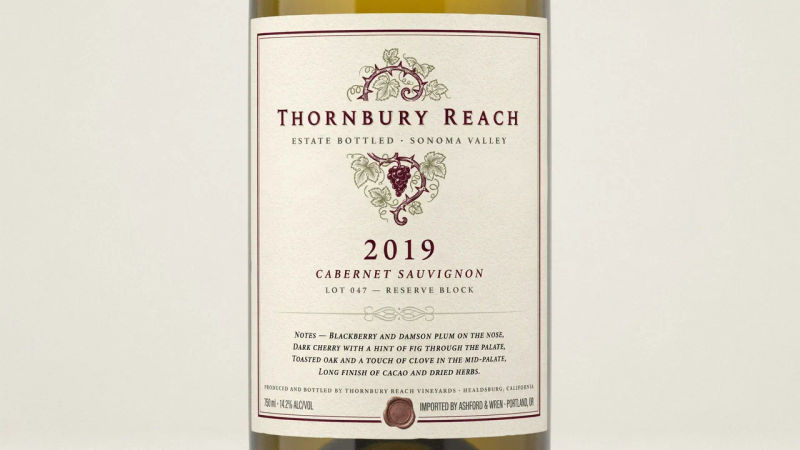
Wine label
A wine bottle label, estate name, vintage year, and four lines of tasting notes
Edit prompt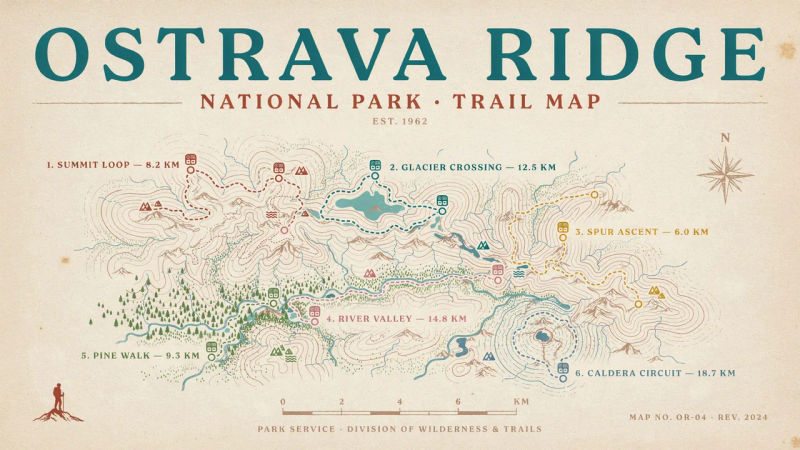
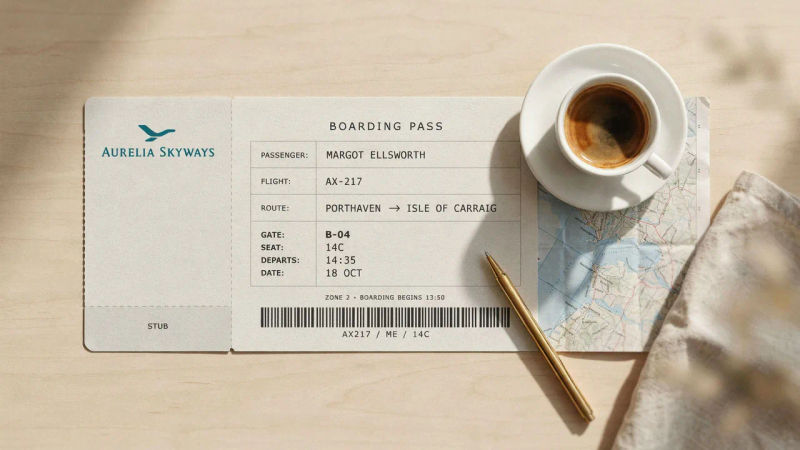
Boarding pass
A boarding pass mockup, passenger, gate, seat and time legible in a clean grid
Edit prompt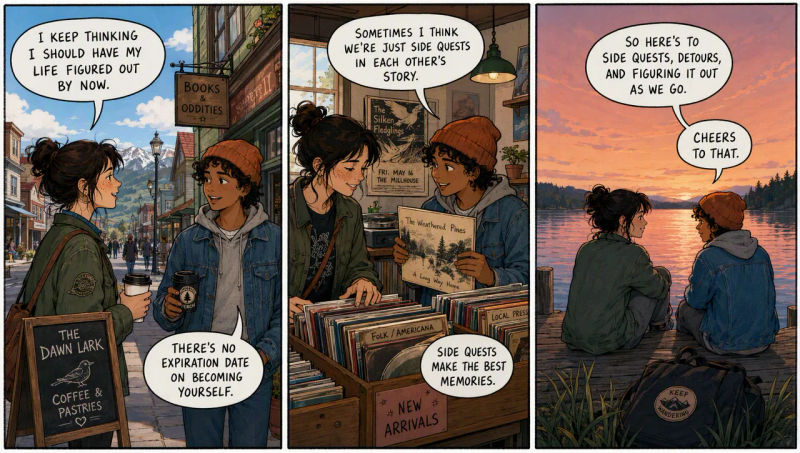
Comic strip
A three-panel comic strip with hand-lettered speech balloons, ink and flat color
Edit prompt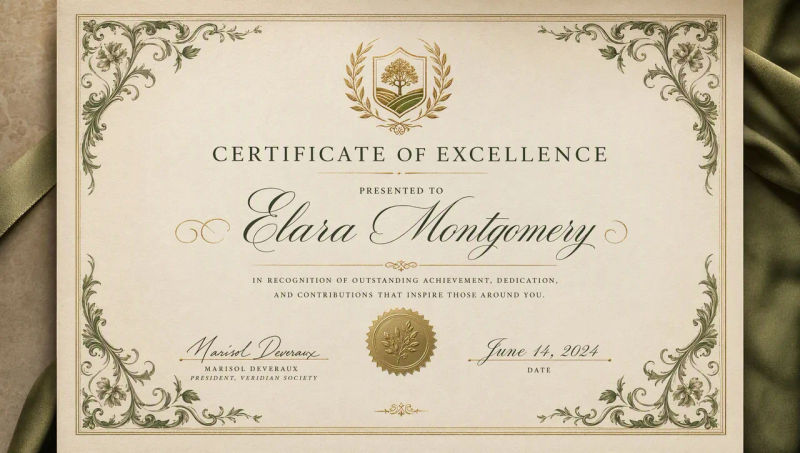
What is ChatGPT Images 2.5?
ChatGPT Images 2.5, also written GPT Image 2.5, is the image model OpenAI released on September 8, 2026. It succeeds ChatGPT Images 2.0 and arrives in three places at once: inside ChatGPT for every tier, inside Codex, and in the API as two separate models.
The headline changes are sharper detail, more natural lighting and texture, better preservation of the people and products in your reference photos, more reliable editing across a long back-and-forth, and generation up to 50% faster than Images 2.0. OpenAI puts the scale of this in context at the top of its announcement: more than three billion images a week are already made across ChatGPT Images and the GPT Image models.
GPT-Image-2.5 Flare and Sunburst
The interesting decision in this release is that there is no single model to pick.
GPT-Image-2.5 Flare is the small model and the default. It delivers GPT Image 2 quality at up to half the latency, which is what makes it the right choice for creator and social content, product experiences, visual search, rapid prototyping and anything high-volume. Manus, evaluating it before launch, measured Flare at two to four times the speed of GPT Image 2 on its own workloads.
GPT-Image-2.5 Sunburst is the base model, built for premium work that benefits from tighter control across edits: production campaign creative, polished product imagery, anything where the fourth revision has to be as clean as the first. It produces higher quality than GPT Image 2 and takes longer to do it.
OpenAI's own selection advice runs in one direction. If your current work already meets your quality bar, start with Flare and see how much time you get back. If it does not, start with Sunburst, establish the quality first, and only then test whether Flare clears the same bar. The two are not interchangeable on speed alone: how long an image takes varies by model and by quality setting, so measure both on your own prompts.
Where ChatGPT Images 2.5 ranks
Both models went straight to the top of Arena's blind-vote leaderboards, where people compare two unlabelled outputs and pick the better one.
In the Image Edit Arena, GPT-Image-2.5 Sunburst leads on 1520 and GPT-Image-2.5 Flare follows on 1491, with GPT Image 2 third on 1461. The Text-to-Image Arena runs the same way: Sunburst 1421, Flare 1399, GPT Image 2 1381. Sunburst holds first and Flare second in all three image arenas, including multi-image editing.
For context, the next models down the editing board are Grok Imagine Image 2.0 on 1439, MAI-Image 2.6 on 1434, Seedream 5.0 Pro on 1394, Nano Banana Pro on 1390 and Nano Banana 2 on 1387.
Two caveats worth keeping in mind. Both 2.5 scores are still marked preliminary, drawn from a few thousand votes against the hundreds of thousands behind established models, so they will move. And Arena measures which image people prefer at a glance, which is not the same as which model holds a brand layout together over four rounds of edits. Read it as a strong early signal rather than a settled verdict. Figures read from Arena on September 9, 2026.
Precision editing and multi-turn consistency
Two of the four improvements are about editing, and they are the ones that change day-to-day work most.
The first is scope. Ask for one change and 2.5 is better at making only that change, holding the subject, composition and surrounding brand treatment steady even on complex backgrounds. Swap a product, a background or a line of copy without the rest of the frame quietly rearranging itself.
The second is stamina. In a long conversation, earlier edits are more likely to survive later ones, and each new instruction builds on the work already done rather than degrading the image a little more each turn. That is what makes a chain of revisions usable instead of a race to get everything right by the third attempt.
Neither is absolute. OpenAI still lists drift as a known limitation, and its own guidance is blunt about the fix: if a region has to stay pixel-identical, composite the approved edit back into the original rather than relying on prompting.
Quality tiers, resolution and transparency
Both models take five explicit quality settings plus auto: low, medium, high, and two that are new in this generation, xhigh and max. Images 2.0 stopped at high. The extra headroom is aimed at fine print detail, and each step up takes longer to render. A higher setting also does not guarantee a better result for every prompt, so the sensible pattern is to raise the tier until the requirement is met and then step back down.
Output runs to 4K. The maximum edge is 3840 pixels, both edges must be multiples of 16, and the aspect ratio has to sit between 1:3 and 3:1, with total pixels between 655,360 and 8,294,400. Anything above 2560x1440 is flagged experimental. Transparent backgrounds work with PNG or WebP output, and are worth verifying in the file rather than by eye, since a rendered checkerboard is not the same thing as an alpha channel.
Sketch, templates and shared prompts
Alongside the model, ChatGPT gained four things worth knowing about.
Sketch lets you draw directly in ChatGPT and use the drawing as a visual guide, which is the fastest way to pin a layout or a silhouette that a paragraph of description keeps getting wrong. Type @Sketch to open it. Templates give you a starting point for common formats such as a poster or merchandise, then ask follow-up questions to fill in the details, though they are not yet available in Work mode. Comments can be placed directly on an image to aim an edit at one spot. And a finished image can now be shared together with the prompt that made it, so someone else can rerun the idea with their own photos.
Safety and provenance
OpenAI's system card is direct about why the safety stack grew: 2.5 allows heightened realism, which without safeguards would make more convincing deepfakes of real people, places and events.
The measures are layered. Policy checks refuse violating requests before generation starts; a multimodal safety reasoning model then screens both the input images and the finished output. On OpenAI's adversarial test set, the share of unsafe images that reached the user fell to 1.09% for Sunburst and 1.41% for Flare, against 1.64% for Images 2.0. Neither model crosses the Preparedness thresholds for biological or cyber capability, and biological mitigations are applied precautionarily regardless.
For provenance, images carry C2PA metadata and, new in this release, an invisible SynthID watermark from Google DeepMind, applied across ChatGPT, Codex and the API.
What it still gets wrong
OpenAI publishes its own limitation list, and it is worth reading before you plan a workflow around the model.
Complex prompts can take up to two minutes. Text rendering improved but is still imperfect on precise placement and clarity, so a dense credit block is not guaranteed on the first try. Recurring characters and brand elements can still drift across separate generations, which is why a reference image beats a repeated description. Placing elements exactly in a layout-sensitive composition remains hard. And repeated edits can still alter details you meant to keep, even with the improvements this release makes.
That last one has a practical answer rather than a prompting answer: where a region has to stay pixel-identical, composite the approved edit back into the original instead of asking the model to leave it alone.
ChatGPT Images 2.5 on Morphic
Both models run on Morphic today, for generating from text and for editing an image you bring in.
You get up to 10 reference images on an edit, output at 1080p, 1440p or 2160p, nine aspect ratios from 21:9 through 9:16 plus auto, custom dimensions, and the full set of quality tiers including xhigh and max. Asking for ChatGPT Images 2.5 gives you GPT-Image-2.5 Flare, which is the right default; name Sunburst when you want the precision tier for a chain of edits.
The advantage of running it here rather than in ChatGPT is the chance to compare AI image models head to head. The same prompt goes to Nano Banana Pro, Seedream 5 Pro, Flux 2 Pro or Grok Imagine Image 2.0 on the same Canvas, and the finished still can be animated into a clip without moving files between tools. ChatGPT Images 2.5 is on Morphic's paid plans; the rest of the catalog is open on the free plan if you want to try the workspace first.
Simple pricing
Get started for free today, with the option to upgrade or cancel anytime.
Basic
2400 monthly credits
1 user only
All models
Workflows
Standard
3625 monthly credits
1 user only
All models
Workflows
Pro
6350 shared monthly credits
1 user
All models
Workflows
Max
24650 shared monthly credits
1 user
All models
Workflows
Enterprise
For higher limits
Custom
pricing and billing terms

Free
For playing around
$0
forever free
FAQs
FLUX Video Upscale
Black Forest Labs
Black Forest Labs' video upscaler. Up to 4K, with fine detail rebuilt and the sound kept.
FLUX 3 Max
fal.ai
fal's post-trained FLUX 3. Tuned to follow the script, built for speed.
Krea 3
Krea AI
Krea's fast image editing model. Combine up to 4 images in one edit.
OmniHuman 2.0
ByteDance
ByteDance's audio-driven human video model. One photo, one track, five minutes in one take.